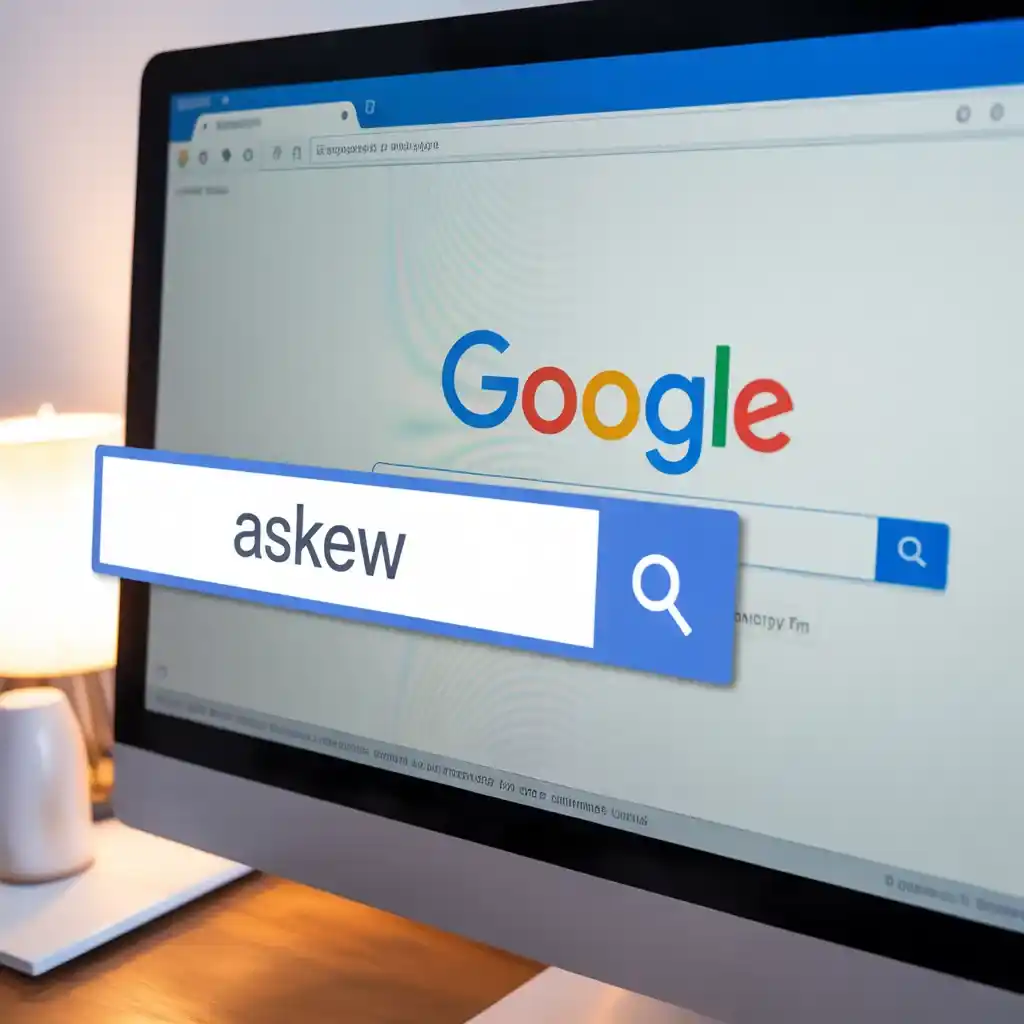
Have you ever typed a simple word into Google and watched the entire page go wonky? If not, you’re in for a treat. The Google “Askew” Easter egg is one of those delightful hidden gems that remind us tech giants like Google have a sense of humor. This quirky feature, which makes your search results page lean slightly to one side, has been entertaining users for over a decade. But what exactly triggers it, why does it exist, and how can you experience it yourself? In this in-depth guide, we’ll unpack everything about this playful trick, from its origins to its cultural ripple effects. Whether you’re a casual searcher or a tech enthusiast, get ready to tilt your perspective on Google’s fun side.
Unveiling the Google Askew Easter Egg: A Playful Twist on Search
At its core, the Google Askew Easter egg is a subtle visual prank embedded in the search engine. When you enter certain keywords, the whole results page rotates just a few degrees, creating an illusion of being off-balance. It’s not a bug or a glitch it’s intentional fun, designed to surprise and amuse. First spotted around 2010-2011, this feature quickly became a fan favorite among Google’s collection of hidden surprises. Unlike more elaborate Easter eggs that involve games or animations, Askew keeps it simple: a gentle slant that mirrors the word’s meaning.
This Easter egg exemplifies Google’s philosophy of injecting joy into everyday tools. In a world where search engines are often seen as purely utilitarian, features like this humanize the experience. It’s a nod to the developers’ creativity, showing that even a multi-billion-dollar company can afford to be whimsical. Over the years, it has sparked countless social media shares, memes, and even discussions in tech forums about the lighter side of web design.

Over time, the feature has remained largely unchanged, proving its timeless appeal. However, fan sites and mirrors like elgooG have taken it further, evolving it into more interactive versions. This evolution reflects how user communities extend official features, keeping them fresh in the digital age. By 2026, with search technology advancing rapidly, Askew stands as a nostalgic reminder of simpler web antics.
Interestingly, the trick isn’t limited to English. Users worldwide have reported similar effects in various languages, though the triggers might differ slightly based on regional adaptations. This global reach has helped it endure, even as newer Easter eggs come and go.
Step-by-Step Guide: How to Activate the Askew Effect
Experiencing the Askew trick couldn’t be easier it’s accessible to anyone with a web browser. Here’s a straightforward walkthrough to try it out:
Launch Your Browser: Open any modern browser like Chrome, Firefox, or Safari, and head to Google.com. Make sure you’re not in incognito mode if you want to save your search history for fun.
Enter the Magic Words: In the search bar, type “askew,” “tilt,” or even “dutch angle” (a nod to cinematography where shots are tilted for dramatic effect).
Hit Search: Press Enter or click the magnifying glass icon. Almost instantly, the page will shift slightly to the right, creating that signature crooked look.
Observe the Magic: The tilt is mild about 5-7 degrees so it won’t disrupt your reading, but it’s noticeable enough to elicit a chuckle.
This process works on both desktop and mobile devices, though the effect might feel more pronounced on larger screens. If it doesn’t trigger, check your browser settings or ensure you’re using the standard Google interface without extensions that block CSS changes.
For an added twist, try combining it with voice search: Say “Hey Google, search for askew” on your phone, and watch the results page lean in real-time.
Decoding the Word: What Does ‘Askew’ Really Mean?
Beyond the fun, let’s dive into the linguistics. “Askew” is an adverb or adjective meaning not in a straight or level position—think of a picture frame hanging crookedly on a wall. Its origins trace back to Middle English, derived from “a-” (meaning “on”) and “skew” (to turn aside). Synonyms include awry, lopsided, or tilted, which is why Google cleverly pairs the definition with a visual demonstration.
When you search for “askew,” Google often displays a dictionary card at the top, explaining the term while the page itself embodies it. This meta approach enhances the humor, turning a standard query into an interactive lesson. For spelling enthusiasts, asking Google “how to spell askew” yields the same tilted results, reinforcing the word’s essence in a memorable way.
In broader contexts, “askew” appears in literature and everyday language to describe anything from misaligned plans to quirky perspectives. Google’s use of it highlights how tech can make abstract concepts tangible.
Beyond the Basics: Enhanced Askew Experiences on Fan Sites
While Google’s version is charmingly minimalist, sites like elgooG.im offer amplified takes on the Askew egg. These enhanced editions add layers of interactivity, turning a static tilt into a customizable playground.
Key features in elgooG’s remastered version include:
- Multiple Animation Styles: Choose from subtle slants to more dramatic rotations.
- Toggleable Effects: Add overlays like gravity pulls or barrel rolls for compounded fun.
- Interactive Controls: Buttons to tilt left, right, or reset, giving users more agency.
- Customization Options: Adjust the degree of tilt or combine with other Easter eggs.
To try it:
- Navigate to elgooG.im/tilt.
- Enter “askew” or “tilt” in their mock search bar.
- Explore the toggles for extra effects.
This fan-driven innovation shows how Easter eggs inspire creativity beyond their originators. It’s perfect for sharing with friends or using in presentations to demonstrate web design whimsy.

Exploring Similar Google Easter Eggs: A World of Hidden Fun
The Askew trick is just the tip of the iceberg in Google’s Easter egg arsenal. These features showcase the company’s commitment to user delight.
Here are some standout companions:
Do a Barrel Roll: Search this phrase, and the page spins 360 degrees, mimicking a video game maneuver.
Google Gravity: Elements on the page “fall” to the bottom due to simulated physics search and watch the chaos.
Zerg Rush: A horde of “O”s attacks your results; click to defend in this mini-game tribute to StarCraft.
Atari Breakout: Head to Google Images, search for it, and play the classic brick-breaking game right in your browser.
Other trigger words like “recursion” (which loops the search) or “the answer to life the universe and everything” (42, from Hitchhiker’s Guide) add intellectual flair. These eggs encourage exploration, turning routine searches into adventures.
Behind the Scenes: The Technical Magic of the Askew Effect
Technically, the Askew trick relies on CSS (Cascading Style Sheets) transforms. When the search engine detects keywords like “askew,” it applies a “rotate” property to the page’s root element something like transform: rotate(5deg);. This client-side adjustment happens via JavaScript, ensuring it’s lightweight and instantaneous.
No server-side changes are needed; it’s all handled in your browser. This simplicity explains why it works across platforms without performance hits. Developers at Google likely implemented it as a quick experiment, but its popularity ensured its longevity.
For web devs curious about replication, similar effects can be coded with basic HTML/CSS, demonstrating how small tweaks create big impacts.
The Purpose Behind the Play: Why Google Includes Such Features
Google’s Easter eggs, including Askew, serve multiple purposes. Primarily, they’re for entertainment, breaking the monotony of daily searches. They also humanize the brand, showing a playful side amid criticisms of data practices.
From a business angle, these features generate buzz users share discoveries on social media, driving organic traffic. They foster loyalty by making Google feel approachable. As one developer put it, it’s about “surprising and delighting users” in unexpected ways.
In an era of AI-driven search, these human touches remind us of the joy in technology.
Troubleshooting: How to Straighten Out a Tilted Google Page
If the tilt bugs you (or triggers your OCD, as some users joke), fixing it is simple:
- Refresh the page (F5 or Cmd+R).
- Start a new search.
- Clear your browser cache if it persists (rarely needed).
The effect is temporary and non-destructive—no harm to your device or data. It’s designed to be fun, not frustrating.
Global Variations: Askew Across Devices, Languages, and Cultures
The Askew egg transcends borders. In Italian, searching “askew su google” might trigger it similarly, though core triggers remain English-based. On mobile, the tilt adapts to screen orientation, feeling immersive on phones.
Desktop vs. mobile: Desktops show a fuller effect, while mobiles might subtle it for usability. Across Chrome, Edge, or Safari, consistency is high, thanks to standard web tech.
Culturally, it’s spawned memes worldwide, from Reddit threads to Facebook shares, where users prank friends by claiming their screen is “broken.”
The Lasting Impact: How Askew Became an Internet Phenomenon
Since its debut, Askew has gone viral multiple times, amassing millions of shares and mentions. It’s featured in lists of top Easter eggs, inspiring content creators and educators alike. Its reception highlights a craving for lighthearted tech amid serious news cycles.
In 2026, with virtual reality searches emerging, Askew remains a classic, proving simple ideas endure. It encourages users to explore more, boosting engagement and brand love.
Frequently Asked Questions About Google Askew
What Happens When I Google Askew?
Your search results page tilts slightly to the right, creating a fun, off-kilter visual. It’s harmless and resets easily.
How Do I Make Google Askew?
Just search “askew,” “tilt,” or “dutch angle” on Google.com voila, instant tilt!
What Does “Askew” Actually Mean?
It means not straight or level, like something crooked or awry.
Is Askew Safe?
Absolutely! It’s a benign feature from Google no risks to your device, data, or privacy.
In wrapping up,
The Google Askew Easter egg is more than a gimmick it’s a testament to creativity in tech. Next time you’re searching, try it out and share the smile. Who knows what other secrets await?