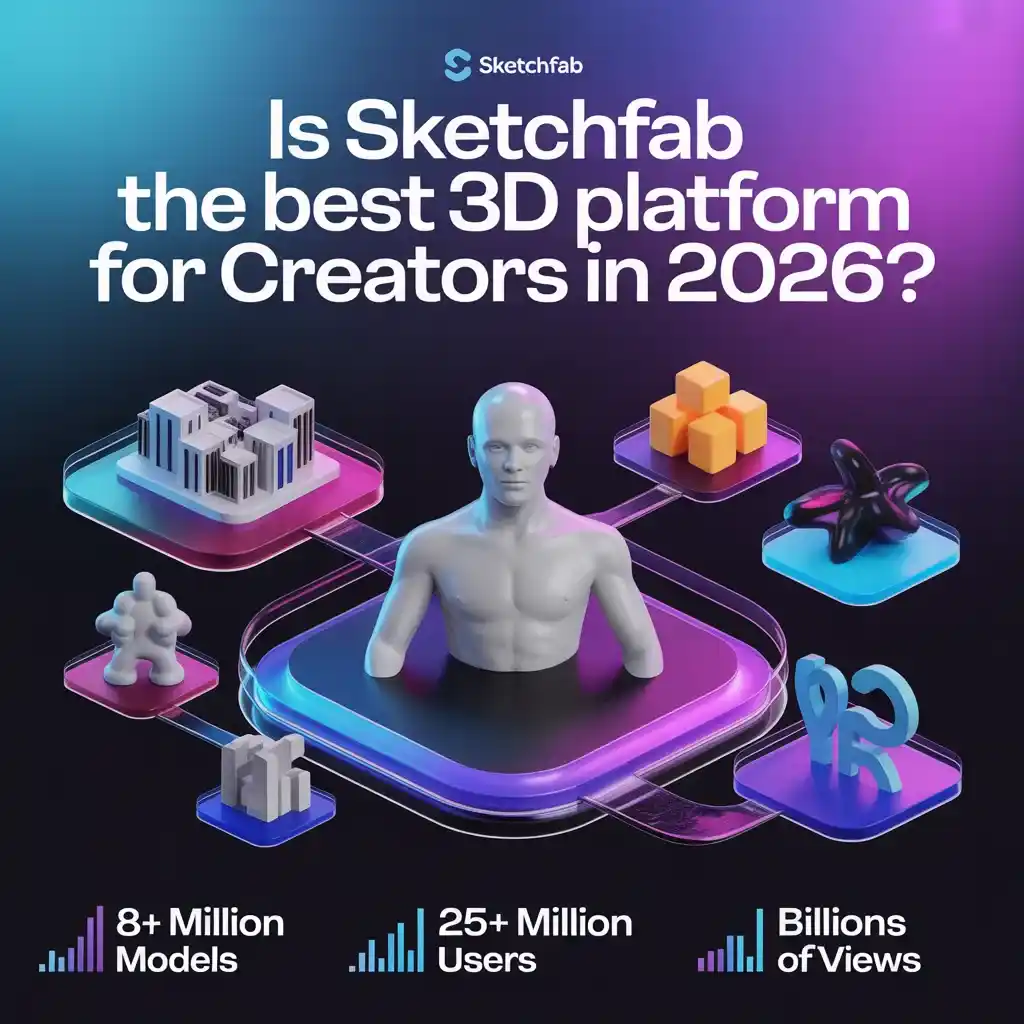
In a world where static images no longer cut it, Sketchfab has emerged as the go-to hub for turning 3D ideas into interactive, shareable experiences. Whether you’re an artist showcasing a digital sculpture, an architect previewing a building design, or a game developer testing assets, this platform lets you upload, view, and share 3D content like never before. It supports dozens of file formats, offers built-in tools for modeling tweaks, rendering, and animation, and opens doors to immersive VR and AR adventures. From education to e-commerce, Sketchfab isn’t just a viewer it’s a full ecosystem that’s democratized 3D storytelling.
With over 8 million models, 25 million registered users, and billions of page views, Sketchfab stands tall as the world’s largest platform for immersive 3D content. But is it truly worth your time in 2026? Let’s dive deep into what makes it tick, how it works, and why it might just revolutionize your workflow.
What Exactly Is Sketchfab?
At its core, Sketchfab is a web-based platform designed for publishing, discovering, and interacting with 3D models—no plugins or heavy software required. Launched in 2012 in Paris, it started from a simple frustration: creators could only share flat screenshots of their 3D work. Today, it’s evolved into a powerhouse integrated with every major 3D tool, from Blender and Maya to Unity and ZBrush.
You upload your model, and instantly, anyone with a browser can orbit, zoom, and explore it in stunning detail. The platform handles everything from basic viewing to advanced features like Physically Based Rendering (PBR) for realistic lighting and materials. It’s compatible across desktops, mobiles, and even VR headsets, making 3D truly accessible on the go.
What sets it apart? The community. Millions of creators from hobbyists to pros in gaming, architecture, education, and art—use it daily. And yes, it’s now tied into the Epic Games ecosystem, with new users signing in via Epic accounts for seamless integration with tools like Unreal Engine.
Key Features That Set Sketchfab Apart
Sketchfab isn’t just a gallery; it’s a full toolkit. Here’s what powers its popularity:
- Universal 3D Viewer: Works on any browser or device. No downloads needed. Models load fast thanks to smart compression, and you get navigation modes like orbit, first-person, or VR teleportation.
- Powerful Built-in Editor: Fine-tune your uploads without leaving the site. Adjust lighting (up to three dynamic lights with shadows), materials (PBR metalness or specular workflows, subsurface scattering, clear coat, refraction), animations, and post-processing effects like bloom, depth of field, and color grading. Add annotations for interactive storytelling perfect for tutorials or product demos.
- Effortless Publishing and Sharing: Drag-and-drop uploads support formats like OBJ, FBX, GLTF, STL, and more. Exporter plugins let you push models straight from your 3D software. Embed anywhere websites, social media, even e-commerce pages with customizable options to hide logos or controls.
- Content Management: Organize with collections, tags, and folders. Set models public, private, or password-protected (on paid plans). Buy and sell via the integrated marketplace with a “what you see is what you get” inspector.
These tools make Sketchfab feel like a lightweight yet pro-level studio right in your browser.
VR and AR: Immersive Experiences at Your Fingertips
One of Sketchfab’s biggest game-changers is its native support for virtual and augmented reality. Click a button, and any model jumps into VR on headsets like Oculus, HTC Vive, or even Google Cardboard. Viewers can walk around, scale objects, and set custom floor levels for realism.
For AR, Premium and above plans enable app-free experiences. Scan a QR code or tap on mobile, and your 3D model overlays the real world via iOS or Android browsers no extra apps required. It’s a boon for e-commerce (let customers “try on” products in their space) and education (explore ancient artifacts hands-free).
Real-World Use Cases: From Classrooms to Boardrooms
Sketchfab shines across industries because it’s versatile:
- Gaming and Animation: Developers share assets, test animations, and collaborate. Studios use it for portfolio showcases or quick client reviews.
- Architecture and Design: Architects embed interactive building models on project sites. Clients explore interiors in 3D before construction starts.
- Education: Teachers upload anatomy models or historical artifacts. Students rotate, annotate, and learn in VR—far more engaging than textbooks. Universities like UQAT use it for student assignments and industry connections.
- Art and Cultural Heritage: Artists sell digital sculptures or scan real-world pieces. Museums share exhibits globally.
- Business and E-Commerce: Brands build 3D configurators for customizable products, driving higher conversions with AR previews.
The result? Faster feedback loops, better storytelling, and new revenue streams through model sales.
How to Get Started with Sketchfab in Minutes
Ready to jump in? It’s beginner-friendly:
- Sign up for free (via Epic Games account if new).
- Upload a model using the web uploader or a plugin from your software.
- Use the editor to tweak lighting, materials, and add annotations.
- Publish publicly or privately, then embed the code on your site or share the link.
- Explore the community for inspiration follow creators and download free models (with attribution where required).
Pro tip: Start with the free Basic plan to test the waters. AI-generated models now require a “CreatedWithAI” label for transparency.
Sketchfab Pricing: Free to Enterprise-Level Power
- Basic (Free): 10 uploads/month, 100MB limit, basic AR/VR, limited annotations. Great for starters.
- Pro ($15/month or $180/year): 50 uploads, 200MB files, private models, advanced embedding, more annotations.
- Premium ($79/month or $948/year): 200 uploads, 500MB files, 50 annotations—ideal for teams and pros.
- Enterprise (Custom quote): Unlimited everything, plus dedicated support and security for big brands.
All paid plans unlock app-free AR, unlimited storage for non-downloadable models, and team collaboration features.
Pros, Cons, and Honest Tips for Success
Pros: Incredibly user-friendly, massive reach, no-install viewer, strong community, and seamless VR/AR. It’s revolutionized how 3D is shared turning passive viewers into active explorers.
Cons: Free tier limits (uploads and features) might frustrate heavy users. Some advanced customizations require coding via the Viewer API. And with Epic’s ownership, long-term changes (like potential integration shifts) are worth watching.
Pro Tips:
- Optimize models before upload keep poly counts reasonable for fast loading.
- Use HDRi backgrounds and dynamic lights for that wow factor.
- Add annotations and animations to boost interactivity.
- Track analytics on embeds to see what resonates.
Alternatives to Sketchfab: How Does It Stack Up?
While competitors like TurboSquid or ArtStation focus more on marketplaces, few match Sketchfab’s browser-based interactivity and VR/AR depth. Unity’s or Unreal’s web tools exist but lack the massive public community. For pure hosting, options like Google Poly (now defunct) or self-hosted WebGL fall short on ease and reach. Sketchfab wins for accessibility and embed power.
The Bottom Line: Should You Use Sketchfab?
Absolutely especially if you’re tired of clunky 3D sharing. It has truly revolutionized immersive content, opening doors for artists, designers, educators, and businesses to create, collaborate, and captivate like never before. In 2026, with its vast library and evolving features, Sketchfab isn’t just surviving it’s thriving as the bridge between creators and audiences.



Leave a Reply